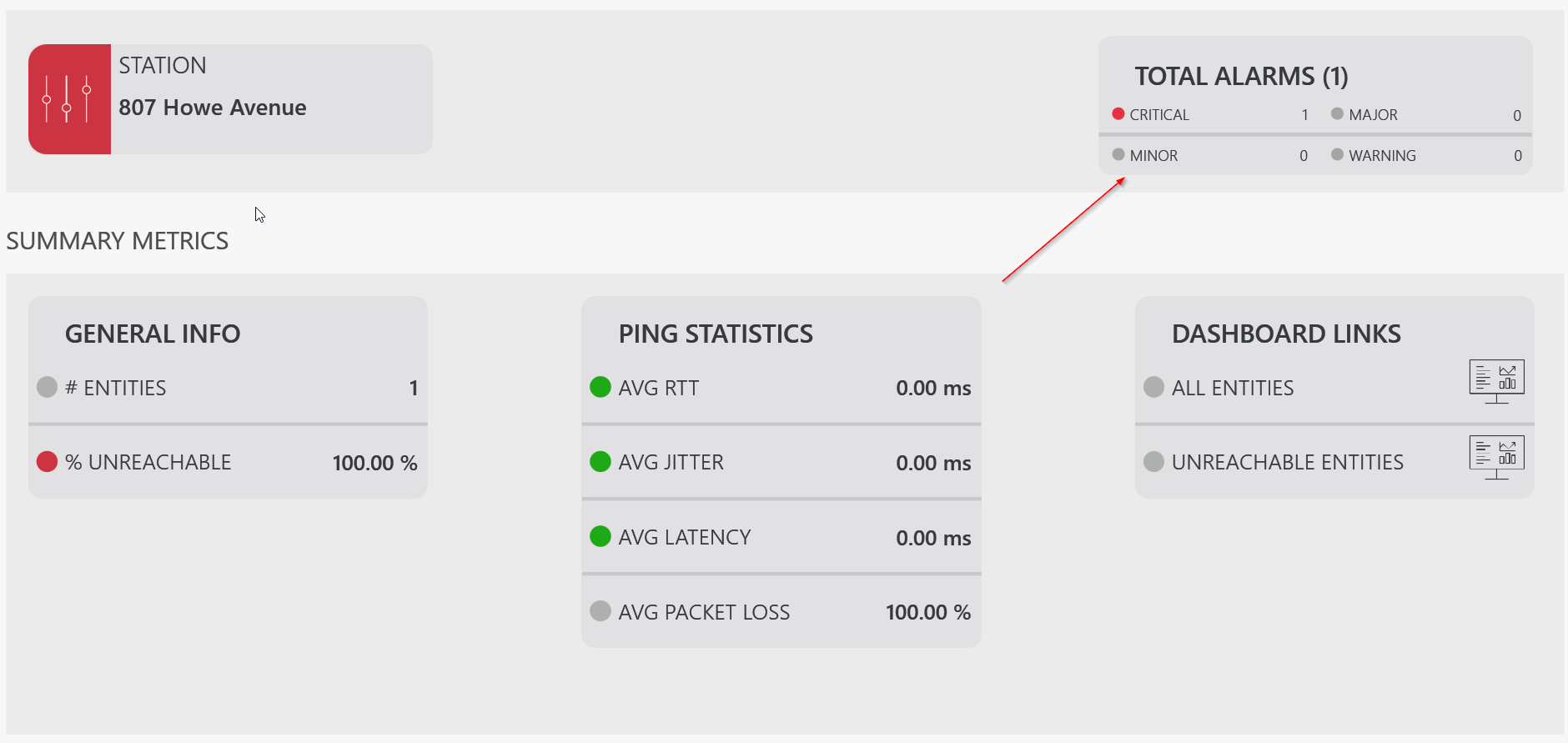
Filtering alarms based on system name and type
In an EPM visual overview, often shapes will be linked to a specific alarm filter. This way, it can show statistical information about the alarms matching the filter.
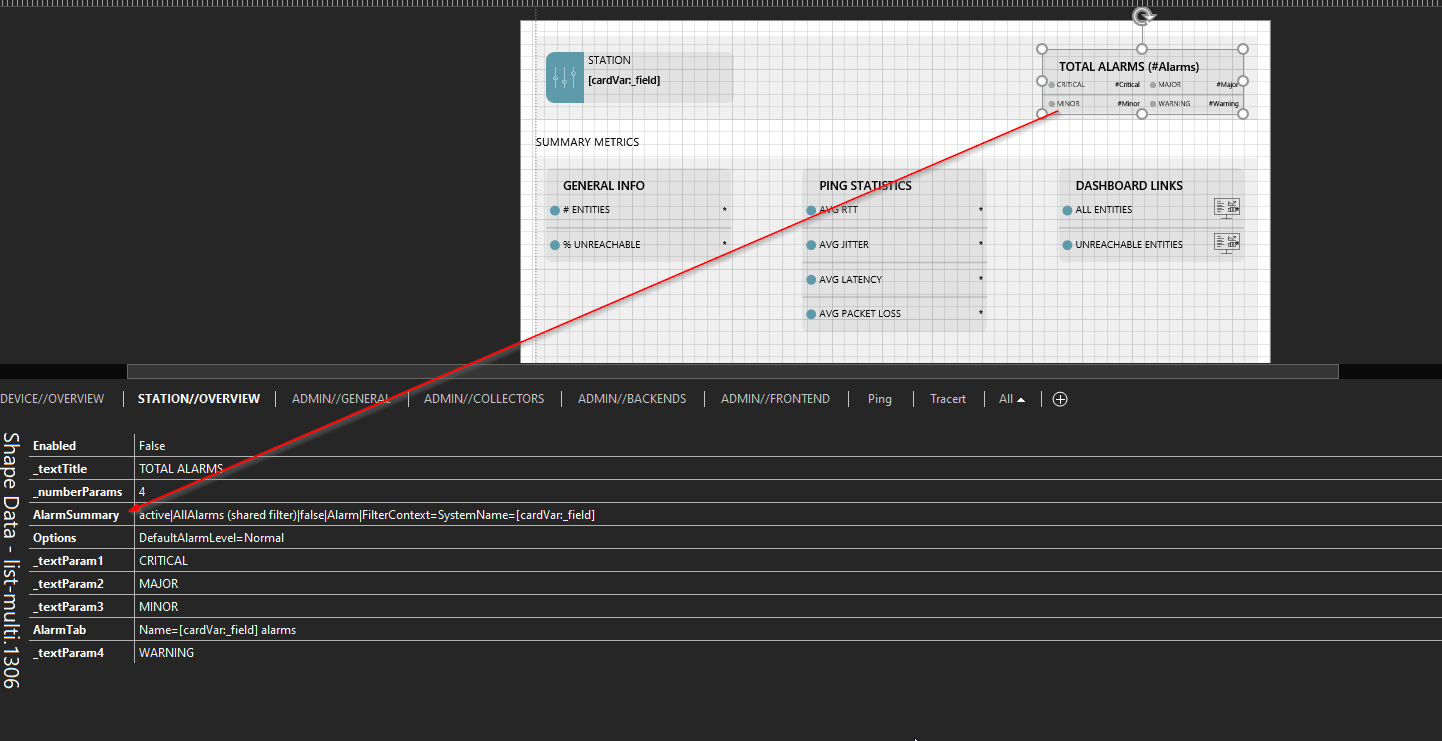
You can configure this by adding a shape data field of type AlarmSummary to the shape, with the same syntax as detailed under Linking a shape to an alarm filter:
| Shape data field | Value syntax |
|---|---|
| AlarmSummary | type|sharedfiltername|ApplyLinkedViewServiceOrElementFilter|Alarm|FilterContext=X |
The FilterContext option will allow you to link the shape to an EPM object by using one of the following options (supported from DataMiner 10.3.0/10.2.3 onwards):
- A EPM system name filter: "X" should be "SystemName=" followed by the EPM system name.
- An EPM system type filter: "X" should be "SystemType="followed by the EPM system type.
- A combination of both, using the syntax
FilterContext=SystemName=X;SystemType=Y.
Example:
Tip
For more detailed information, see Linking a shape to an alarm filter.
Example of a live system: