DataMiner web apps Feature Release 10.6.4
This Feature Release of the DataMiner web applications contains the same new features, enhancements, and fixes as DataMiner web apps Main Release 10.6.0 [CU1].
Note
For known issues with this version, refer to Known issues.
Tip
- For release notes related to the general DataMiner release, see General Feature Release 10.6.4.
- For release notes related to DataMiner Cube, see DataMiner Cube Feature Release 10.6.4.
Highlights
Dashboards/Low-Code Apps - Node edge graph component: Customizing nodes using templates [ID 44809]
The Node edge graph component now supports node templates. This allows you to customize the appearance of nodes using the Template Editor or by applying preset templates as a starting point.
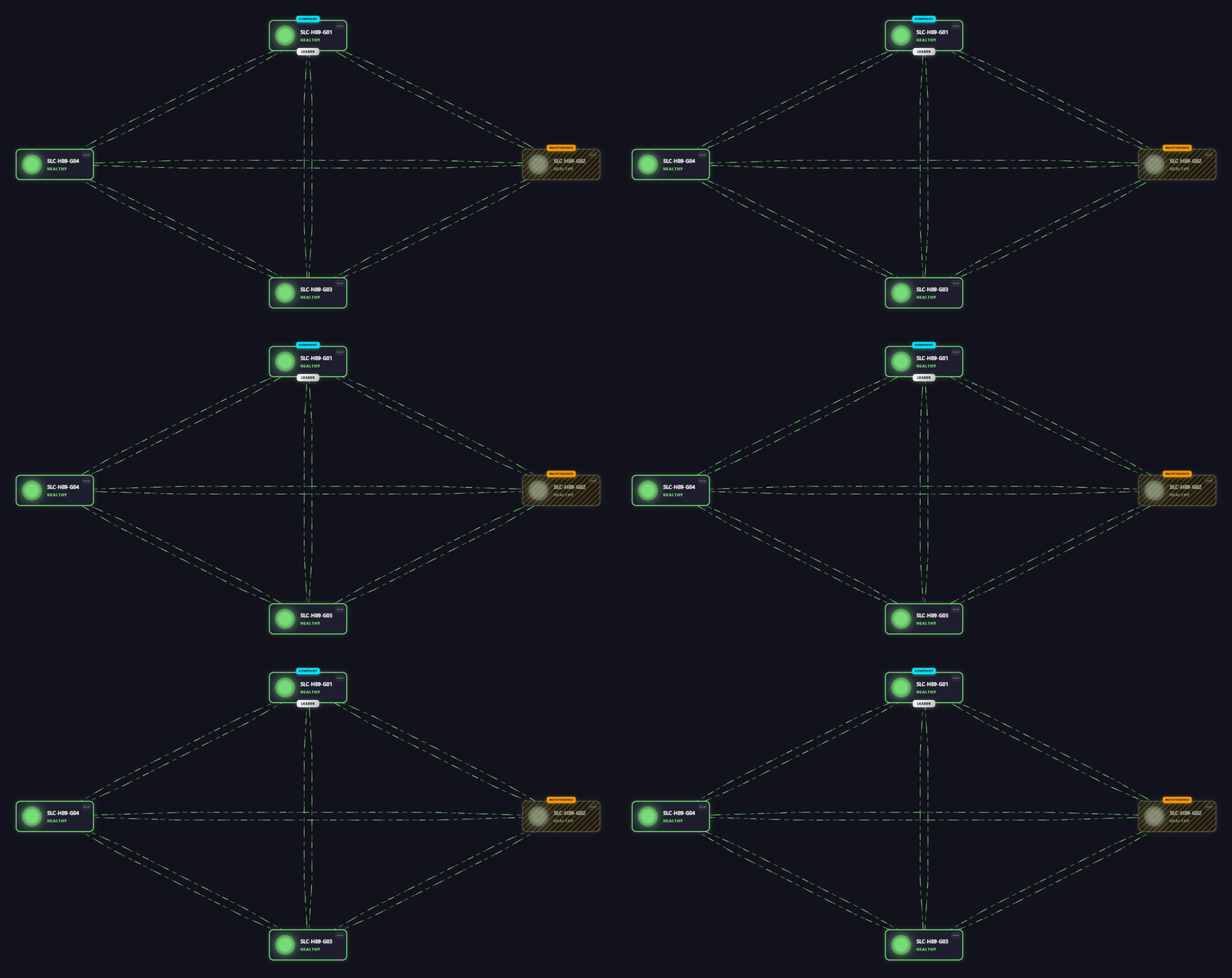
In the Settings pane, navigate to Identifiers > Nodes > Base node > Visual. In this section, you can now select Template. From there, you can either click the Edit icon to open the Template Editor or the Browse templates icon to select a preset or custom template.
Note
When Visual is set to Template, nodes no longer support showing a tooltip or metric, as this information can be defined in the template itself.
In addition, actions can no longer be configured via the Actions section in the Settings pane, as actions can instead be defined on shapes in the template itself.
New features
Dashboards/Low-Code Apps: Anchor buttons in breadcrumbs and in the HTTP 404 visual [ID 44679]
In the Dashboards app, a new type of anchor button will now be used in breadcrumbs and in the HTTP 404 visual.
These buttons will let you navigate to a fixed location when clicked. Also, clicking such a button while holding the CTRL key pressed will open a new tab, and hovering over such a button will reveal the link associated with that button.
Automation: Time zone of the client can now be passed to the automation script that is executed [ID 44788]
When an automation script is executed in a web app, it is now possible to pass the time zone of the client to that script.
In the automation script, the time zone will be available on the IEngine input argument:
engine.ClientInfo.TimeZone
Note
- If the script was executed from a source other than a web app, or if the time zone information could not be parsed, the
TimeZoneproperty can be null. - In case a subscript is executed, the
ClientInfoof the parent script will also be available in the subscript.
Also, a scriptOptions.ClientTimeZone property can now be passed to both the ExecuteAutomationScript and ExecuteAutomationScriptWithOutput web methods.
The ClientTimeZone (DMAAutomationScriptOptionClientTimeZone) data type has the following properties:
Type(DMAAutomationScriptOptionClientTimeZoneType):Value Description Iana (1) If Typeis set to 1, then an attempt will be made to pass the time zone information based on the IANA time zone identifier set in theInfoproperty.
See also: IANA time zone databaseDefault (0) If Typeis set to 0, then the default time zone for DataMiner web apps will be passed.Info: IfTypeis set to "Iana" (1), thenInfoshould contain the identifier of an IANA time zone.
Note
Currently, it is not yet possible to pass the time zone of the client to a script that is executed by clicking a DOM action button.
Important
This feature will only work in conjunction with DataMiner server version 10.7.0/10.6.4 or newer. See Automation: Time zone of the client can now be passed to the automation script that is executed [ID 44742].
Changes
Enhancements
Dashboards app: 'HTTP 404' page replaced by an embedded visual [ID 44569] [ID 44808]
From now on, when you try to open an invalid dashboard or dashboard folder, you wil no longer be redirected to a separate "HTTP 404" page. Instead, a visual will now appear inside the Dashboards app.
Clicking the Go to overview button in that visual will redirect you to either the closest valid parent folder or the root folder.
Note
In embedded dashboards, the Go to overview button will not be visible.
GQI DxM: 'Get object manager instances' and 'Get profile instances' data sources now support post filtering on Guid columns [ID 44672]
Up to now, when post filtering the Get object manager instances and Get profile instances data sources, it would not be possible to filter Guid columns like DomInstanceId or DomDefinitionId.
From now, when post filtering the Get object manager instances and Get profile instances data sources, the equals and not equals filter operators will work correctly when used to filter on the following Guid columns:
- DomDefinitionId
- DomInstanceId
- ProfileDefinitionID
- ProfileInstanceID
- ReservationInstanceID
- ResourceID
- ServiceDefinitionID
- ServiceProfileInstanceID
Low-Code Apps: 'HTTP 404' visual will now appear when you navigate to a non-existing app or an app you are not allowed to open [ID 44681] [ID 44808]
From now on, when you navigate to a non-existing app or an app you are not allowed to open, an "HTTP 404" visual will now appear.
Clicking the Go to home button in that visual will redirect you to the root page.
Note
In embedded low-code apps, the Go to home button will not be visible.
Dashboards/Low-Code Apps: Updated side panel sections [ID 44687]
When you are editing a dashboard or a low-code app, in the side panel, the top two sections of the Data tab are Data used in page/panel and Data used in component. These two sections have now been updated.
Data used in page/panel
This section, which lists all data used in the dashboard or panel, will now also indicate how this data is being used.
For example, if a data entry is used both as a data source and as a filter, two icons will now be displayed to make this clear.
The data in this section will be sorted by type and then by name.
Data used in component
This section, which lists all data used within the selected component, will now also include all filters and groups.
If, in the selected component, a data entry is used in multiple ways, then this will be indicated on separate lines.
The data in this section will be sorted by type (data, filter, group) and then by name. Users will be allowed to reorder the data entries, but only within their type.
GQI DxM: Any type of number will now be accepted as filter value for numeric columns [ID 44712]
Up to now, when filtering on a column containing numbers of type int, double, etc., the filter values all had to be of the same type. However, in some cases, this would cause issues when those values were combined with component data from the client.
From now on, GQI will accept any type of number (int, double, and long) as filter value for columns of type int, double, long, and decimal.
Dashboards/Low-Code Apps - GQI: Enhanced filtering when using the GQI DxM [ID 44714]
From now on, when dashboards or low-code apps use the GQI DxM to process GQI queries, queries with regex filters that are linked to data will no longer combine multiple values inside a single regular expression to simulate OR filtering. Instead, whatever the filter method (contains, equals, regex, greater than, etc.), they will create a real OR filter with all the raw data values.
As a result, when linking data to filter nodes, dashboards and low-code apps using the GQI DxM to process GQI queries will now behave differently to dashboards and low-code apps using SLHelper to process GQI queries.
When using SLHelper: no functional changes
- In regex filters, the different regex values are escaped and combined into a single regular expression.
- When using any other filter method, only the first value is passed to the filter. All other values are ignored.
Limitations:
- As the regex values need to be escaped to support OR filtering, it is impossible to create a dynamic regular expression to filter with.
- You cannot use an OR filter to filter values other than string values. Only string values allow regex filtering.
When using the GQI DxM: functional change
- In regex filters, the regex values will no longer be escaped.
- When using any other filter method, all values will now be passed to the filter.
Benefits:
- No limitations similar to those when using SLHelper.
- Filters can be optimized and forwarded to the server, instead of having to use a post filter.
Important
In some cases, no longer escaping regex values in regex filters could represent a breaking change:
- The query could become invalid if some of the regex values contain invalid regular expressions.
- Even when all regex values are valid regular expressions, in some cases, the filter may not yield the expected result because some of the values unintentionally contain regex syntax.
If a regex filter would yield unexpected results, it is safe to replace the regular expression by a contains or equals condition.
User authentication enhancements [ID 44734]
A number of enhancements have been made with regard to user authentication when accessing, for example, video thumbnails.
Web apps: Open Comparison and DOM Security apps in a new tab or window via the header bar [ID 44753]
You can now open the root page of the Comparison app and DOM Security app in a new tab or window by clicking the app name in the header bar:
- If you click the left mouse button while holding the CTRL key pressed, or if you click the middle mouse button, the root page will open in a new browser tab.
- If you click the left mouse button while holding the SHIFT key pressed, the root page will open in a new browser window.
Dashboards/Low-Code Apps - Node edge graph component: Viewport will no longer be reset with every update [ID 44786]
Up to now, each time a Node edge graph component with the Filtering & Highlighting > Highlight option disabled received a real-time update, its viewport would be reset.
From now on, the viewport of a Node edge graph component will mostly be reset when you have made changes to its settings, although it can still be reset in certain other scenarios. For example, when the node edge graph is not linked to data, a reset will occur when the entire topology has changed after an update.
Also, when the node positions are linked to data, from now on, a Node edge graph component will allow you to zoom out beyond the initial viewport.
GQI DxM: Loaded assembly files of GQI extensions will no longer be locked [ID 44806]
Up to now, Microsoft Windows would lock the assembly files of a GQI extension (i.e., an ad hoc data source or a custom operator) and those of its dependencies. As a result, when such a file needed to be replaced when, for example, a development pack was updated, replacing that file would fail when the extension in question was running.
From now on, the GQI DxM will load an extension and its dependencies byte per byte into the C:\Skyline DataMiner\Scripts\Libraries and C:\Skyline DataMiner\ProtocolScripts\DllImport folders. This will ensure that these files will no longer be locked when the extension is running.
Fixes
Dashboards/Low-Code Apps - Alarm table component: Problems when scrolling [ID 44662]
In the Alarm table component, a number of minor issues have been fixed:
In edit mode, the component name in the footer would shift along when the component was scrolled horizontally or vertically.
The header containing the total number of alarms and the filter box would shift out of view when you scrolled vertically.
In some cases, the Load next ... alarms button, which was centered horizontally, would not be visible until you scrolled to the side.
Interactive automation scripts in web apps: Redesigned Date component would incorrectly get a double update when the UI was set to V2 [ID 44665]
When the interactive automation script UI was set to version V2, in some cases, the redesigned Date component would get a double update, causing the component to flicker.
Dashboards/Low-Code Apps - Column & bar chart component: Problem when changing 'Legend > Show' or 'Tooltips > Show' [ID 44667]
When, in the Layout tab of a Column & bar chart component, you changed the Show setting under Legend, up to now, the Show setting under Tooltips would incorrectly also change (and vice versa).
From now on, when you change one of these settings, the other setting will no longer change.
Note
An identical issue could occur in the Parameter groups section of the Parameter picker component.
Low-Code Apps - Template editor & flow editor: Tabbed pane on the left would shrink when the editor area contained a large number of items [ID 44671]
In both the template editor and the flow editor, the tabbed pane on the left would incorrectly shrink when the main editor area in the middle contained a large number of items.
Dashboards/Low-Code Apps - Templates: Text in default template would not get replaced when the default template was selected [ID 44677]
When, in the Browse templates window, you selected the default template of e.g., the Grid component, up to now, the text in that default template would incorrectly not get replaced by the text in the Grid component.
From now on, the default template text will get replaced correctly.
Dashboards app: State components would be clipped in PDF reports when the 'Stack components' option was not selected [ID 44695]
When you had not selected the Stack components option when generating a PDF report, in some cases, any State components on the dashboard would be clipped.
In order to prevent this from happening, the minimum width of a State component has now been reduced from 200px to 150px.
Note
In certain situations, especially when using a narrow layout or when the available space is insufficient, State components can still be clipped when a PDF report is generated.
Low-Code Apps: Certain component actions would incorrectly not be available when using flows or variables [ID 44697]
When flows or variables were used in certain components, up to now, the available component actions would not correctly reflect the actions that would have been available if the data of the same output type had been applied directly. Some valid actions would be missing or incorrect.
Dashboards app: Problem when quickly switching from one tab to another in the navigation pane [ID 44750]
When you quickly switched from one tab to another in the navigation pane while viewing the Dashboards app on a mobile device, in some cases, an error could be thrown.
Dashboards/Low-Code Apps - Node edge graph component: Node actions inherited from the base type would no longer be displayed when the base type was overridden [ID 44770]
When a node changed from its base type to an override due to a real-time update, up to now, the actions inherited from the base type would incorrectly no longer displayed in the tooltip.
From now on, a node will correctly update its actions by combining the actions from the override with those from the base type, ensuring all applicable actions remain visible.
Dashboards/Low-Code Apps - Flows: Problems when using the URL data source [ID 44782]
When you had added a URL data source to a flow, up to now, the label of that data source would incorrectly be set to "Unknown source". From now, the label will show the data type instead.
Also, the DMAIP data object would not be usable when added to a flow created in a DataMiner version older than version 10.6.3.
Visual Overview in web apps: Problem when opening a visual overview containing a trend component [ID 44784]
When, in a web app, you opened a visual overview that contained a trend component, in some cases, an error message would incorrectly appear, stating that the start time was invalid.
Dashboards/Low-Code Apps - Web component: URLs of DataMiner web apps would only be registered as trusted when they ended with a trailing slash [ID 44796]
If, in a Web component, you specified the URL of a DataMiner web app, it would incorrectly only be registered as trusted when it ended with a forward slash (/). For example, <dmaURL>/dashboards/ would be registered as trusted, but <dmaURL>/dashboards would not.
As a result, when a URL of a DataMiner web app did not end with a forward slash, it would get sandboxed.
From now on, URLs of DataMiner web apps will always be registered as trusted, whether they end with a forward slash or not.
Dashboards/Low-Code Apps - Time range & Query filter components: Problems when dashboard or low-code app was embedded [ID 44802]
When the dashboard or low-code app was embedded by means of the URL argument embed=true or when the dashboard was shared, up to now,
- in a Time range component, it would incorrectly not be possible to pin quick picks, and
- in a Query filter component, it would incorrectly not be possible to enable the Alarm color mode setting.
Dashboards app: 'Shared dashboards' pane would incorrectly not be displayed in the sidebar [ID 44803]
In some rare cases, the Shared dashboards pane would incorrectly not be displayed in the sidebar of the Dashboards app, even when dashboards had been shared.
Low-Code Apps - Node edge graph component: Changing the interaction mode via an action would incorrectly change the default interaction mode [ID 44807]
When, in a low-code app, the interaction mode of a Node edge graph component was changed by an action, in some cases, the component's default interaction mode would incorrectly also be changed.
Dashboards/Low-Code Apps - Node edge graph component: Edges could get drawn incorrectly when bidirectional configuration was enabled [ID 44814]
When a Node edge graph component with bidirectional configuration enabled for the edges received a real-time update, in some cases, the edges could get drawn incorrectly. For example, multiple edges could get drawn on top of each other, or have their arrows rendered at an incorrect location.
Dashboards/Low-Code Apps - Maps component: The map would not update correctly when the query changed [ID 44817]
Up to now, a Maps component with two queries that were configured to be visible based on zoom level (i.e., when you zoomed in, query 1 would be hidden and query 2 would be shown), of which the first had a filter node that was linked to data fed by another component, would incorrectly show the filtered and unfiltered results of the first query when you zoomed in until the second query became visible, changed the filter, and zoomed out again.
From now on, the component will only show the filtered results.
Dashboards/Low-Code Apps - Node edge graph component: No tooltip would appear when hovering over an edge with a weight of 1 [ID 44818]
When positioning was set to "Linked to data", and the viewport was set to "Auto", up to now, no tooltip would appear when you hovered over edges with a weight of 1.
Dashboards/Low-Code Apps: HTML code starting with a <style> tag would be rendered incorrectly [ID 44858]
When you had entered HTML code in a Web component or in an HTML layer of a template, up to now, that HTML code would be rendered incorrectly when it started with a <style> tag.
Dashboards/Low-Code Apps - Grid component: No text could be selected when 'Horizontal scroll' and 'Vertical scroll' settings were disabled [ID 44865]
Up to now, it would incorrectly not be possible to select text inside a Grid component when both the Horizontal scroll and Vertical scroll settings were disabled.
Video thumbnails: Problem when playing HLS video thumbnails since Chrome version 142 [ID 44877]
Since Chrome version 142, issues could occur when playing HLS video thumbnails.
In order to prevent any playback issues in Chrome 142 and above, from now on, when using type=HTML5-HLS, the MSE javascript implementation will take priority over the native HLS playback of the browser.
If you prefer to use the native HLS playback of the browser rather than the MSE javascript implementation, you can use type=HTML5 instead.
Low-Code Apps: 'On open' event would incorrectly not be able to consume data provided by the URL [ID 44923]
In some cases, an On open event configured in a low-code app would incorrectly not be able to consume data provided by the URL.
Dashboards/Low-Code Apps: Themes.json file was no longer present in the C:\Skyline DataMiner\dashboards folder [ID 44930]
Since DataMiner version 10.5.0 CU12/10.6.3, the themes.json file was incorrectly no longer present in the C:\Skyline DataMiner\dashboards folder.
This file has now been added again.
Dashboards/Low-Code Apps - GQI components: Problem when data from another component changed rapidly [ID 44934]
When, in a GQI component (e.g., Grid, Table, Timeline, etc.), a query was filtered by data from another component, in some cases, the filtering would not be reflected in the UI when the data from the other component changed rapidly.
Dashboards app: Problem with GQI components when generating a PDF report in stacked mode [ID 44945]
Up to now, when you generated a PDF report in stacked mode of a dashboard containing Line & area chart, Column & bar chart, Maps, Node edge graph or Timeline components, some of those components would incorrectly have their height set to 0 in the PDF file.
Low-Code Apps - Timeline component: Problem when migrating timeline events [ID 44966]
When a low-code app was migrated to a newer version, in some cases, timeline events would incorrectly not get fully migrated.
Dashboards app: Timeline component highlight setting migrated incorrectly [ID 45060]
After a web upgrade to DataMiner 10.5.0 [CU12]/10.6.3, an issue during the migration of the setting to highlight specific ranges in a timeline component of a dashboard could cause that setting to no longer be linked to its data. Users had to manually relink the setting to fix this. This issue will now be prevented.
GQI DxM: Ad hoc data source instances and custom operator instances used on the right side of a join operator would not be cleaned up correctly [ID 45064]
Since DataMiner version 10.5.0 CU11/10.6.2, ad hoc data source instances and custom operator instances that were used on the right side of a join operator would no longer be cleaned up correctly after a query had been executed. This would lead to the extension workers leaking memory as those instances would remain in memory indefinitely.
From now on, all GQI extension instances will be able to properly release their resources when used on either side of a join operator.
GQI DxM - Custom operators: Problem with cell values of Guid columns that were converted to string values [ID 45100]
Cell values from Guid columns are converted to string values when passed to the IGQIRowOperator.HandleRow lifecycle method of a custom operator.
As these string values would then be used throughout the rest of the query, up to now, this could lead to type mismatch errors.
From now on, cell values of type String coming from a custom operator will be converted back to Guid when the column is of type Guid.