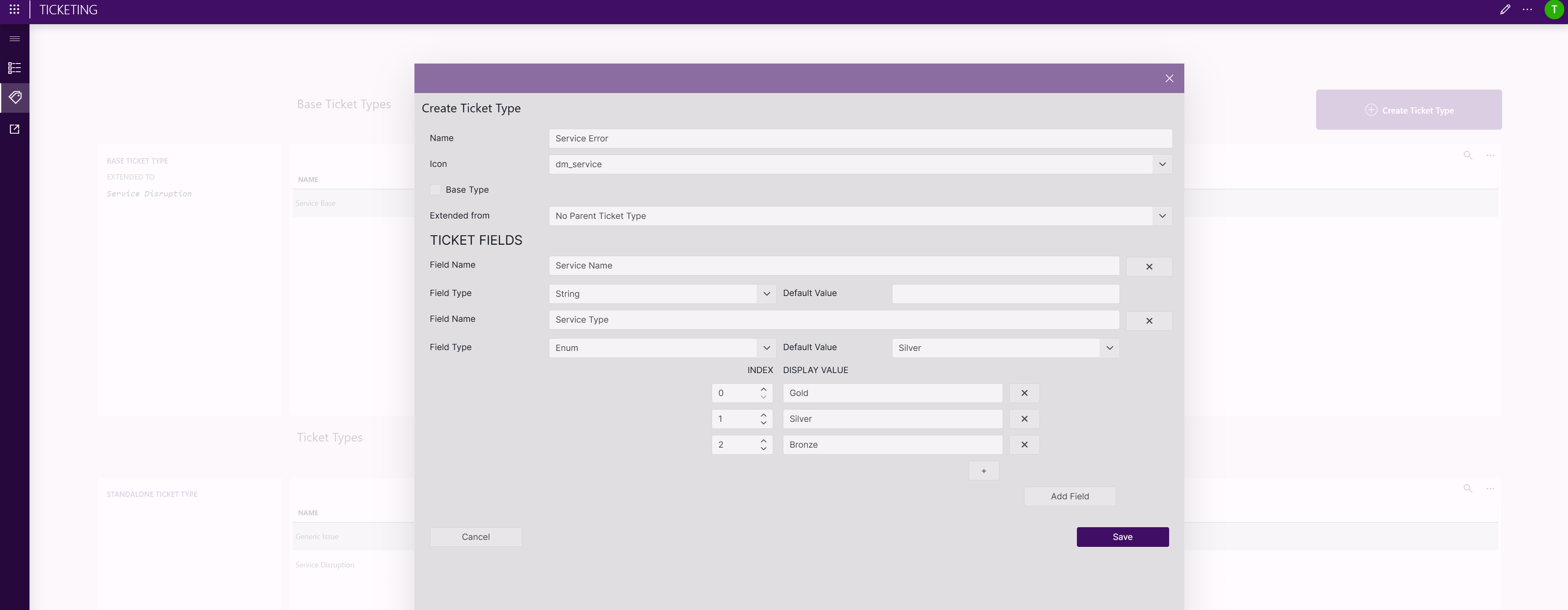
Ticket Types page
Ticket types define the structure of tickets and may include additional fields. The Ticket Types page provides an overview of all available ticket types and allows you to create additional ticket types.
Ticket type categories
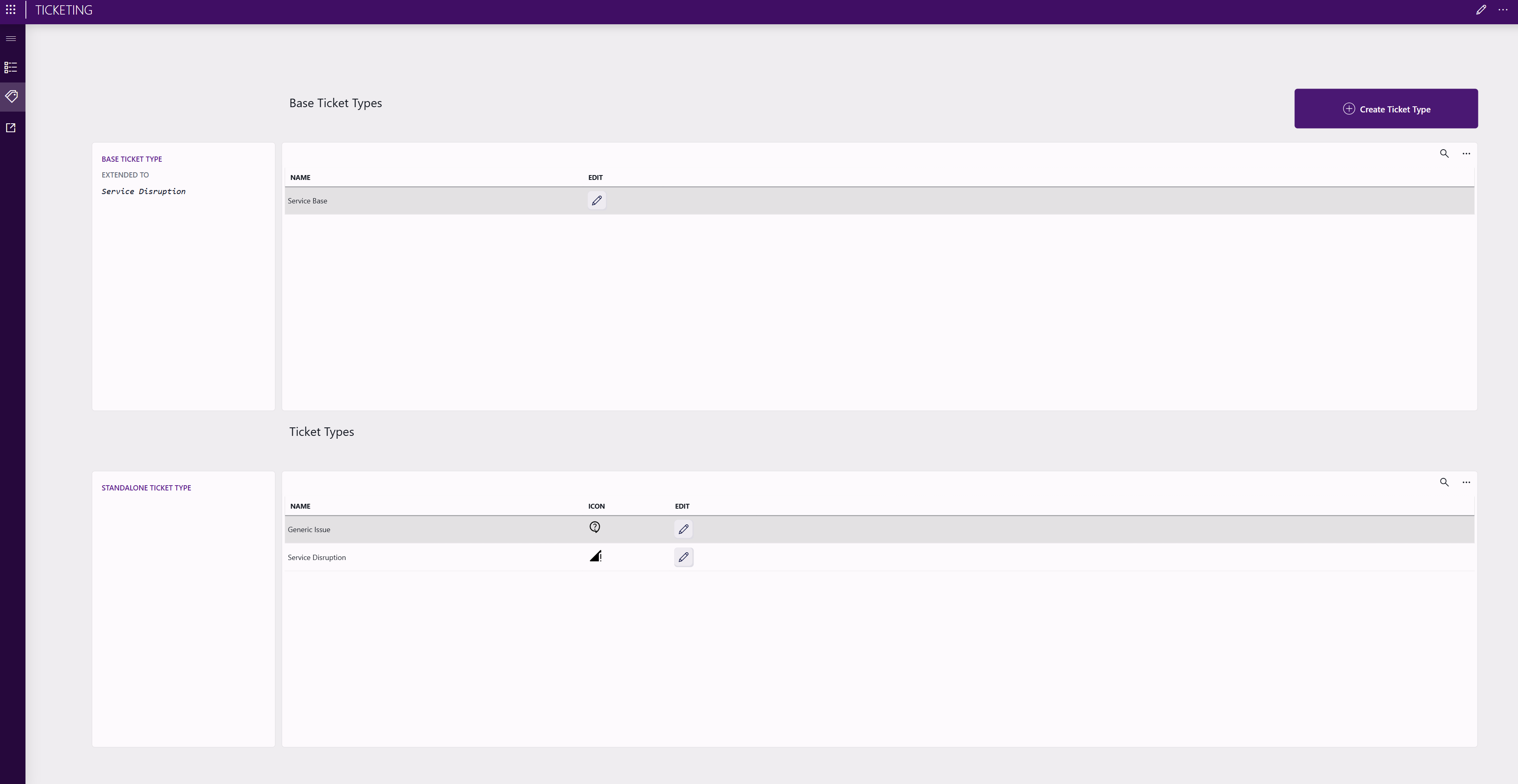
Ticket types can be configured as one of the following categories:
A base ticket type can define a common set of additional fields and can be used as a base for other ticket types. This means that base ticket types serve as a reusable foundation for other ticket types.
When creating a new ticket type or editing an existing ticket type, you can designate it as a base ticket type by enabling the Base option.
An extended ticket type inherits the configuration and additional fields of a base ticket type. It can define its own additional fields in addition to the inherited fields, allowing specialization of existing ticket types without duplicating configuration.
When creating or editing an extended ticket type, you can select the base ticket type from which it should extend.
A standalone ticket type is independent and is not extended from a base type. This is any ticket type that is not marked as a base type and does not extend another ticket type. This is especially suitable for unique ticket structures that do not share a common foundation with other ticket types.
Default ticket type
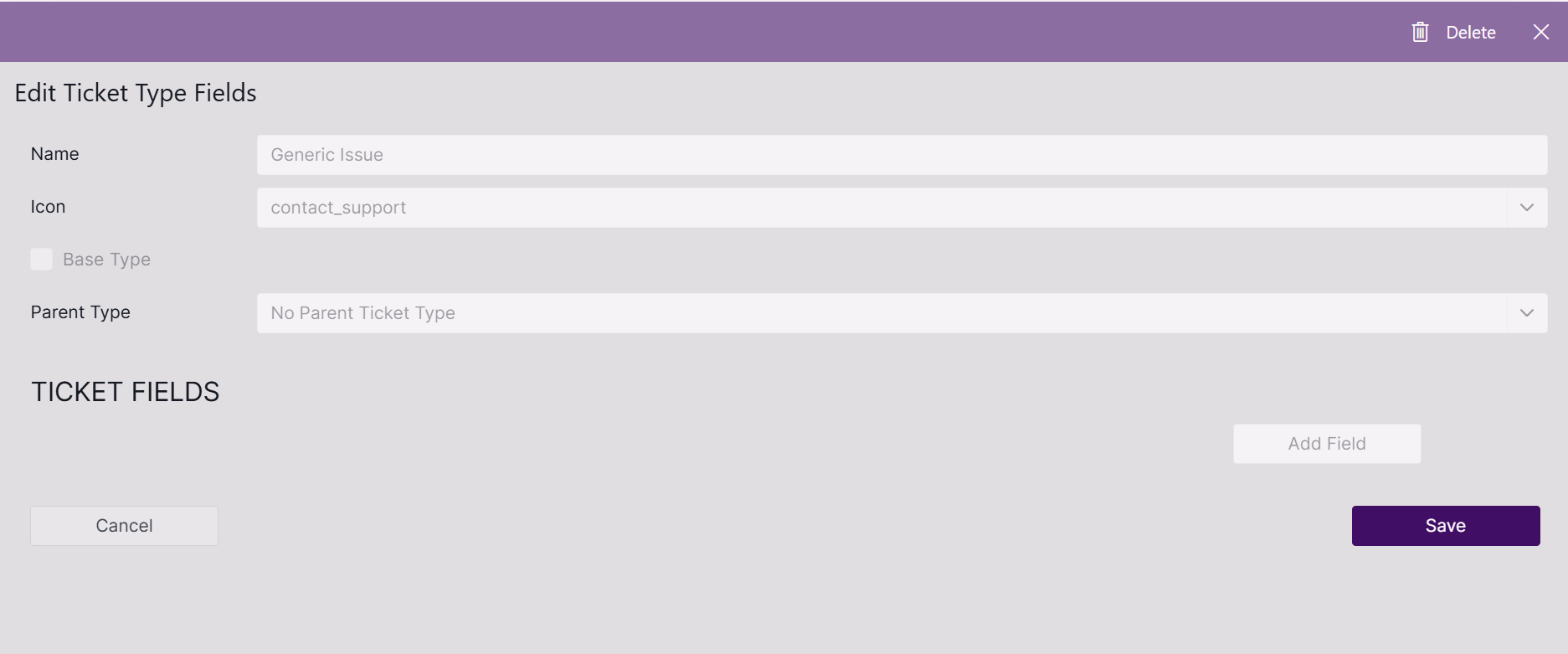
The default ticket type is Generic Issue.
No additional fields are defined for this ticket type, and it is used for standard out-of-the-box tickets.
Example ticket type: Service Disruption
As an example of how you can use ticket types, you could use the Service Disruption ticket type. This type is intended for incidents that affect the availability or performance of a service. It includes additional fields that help operators assess the operational and business impact of the disruption and prioritize response efforts accordingly, as illustrated below.
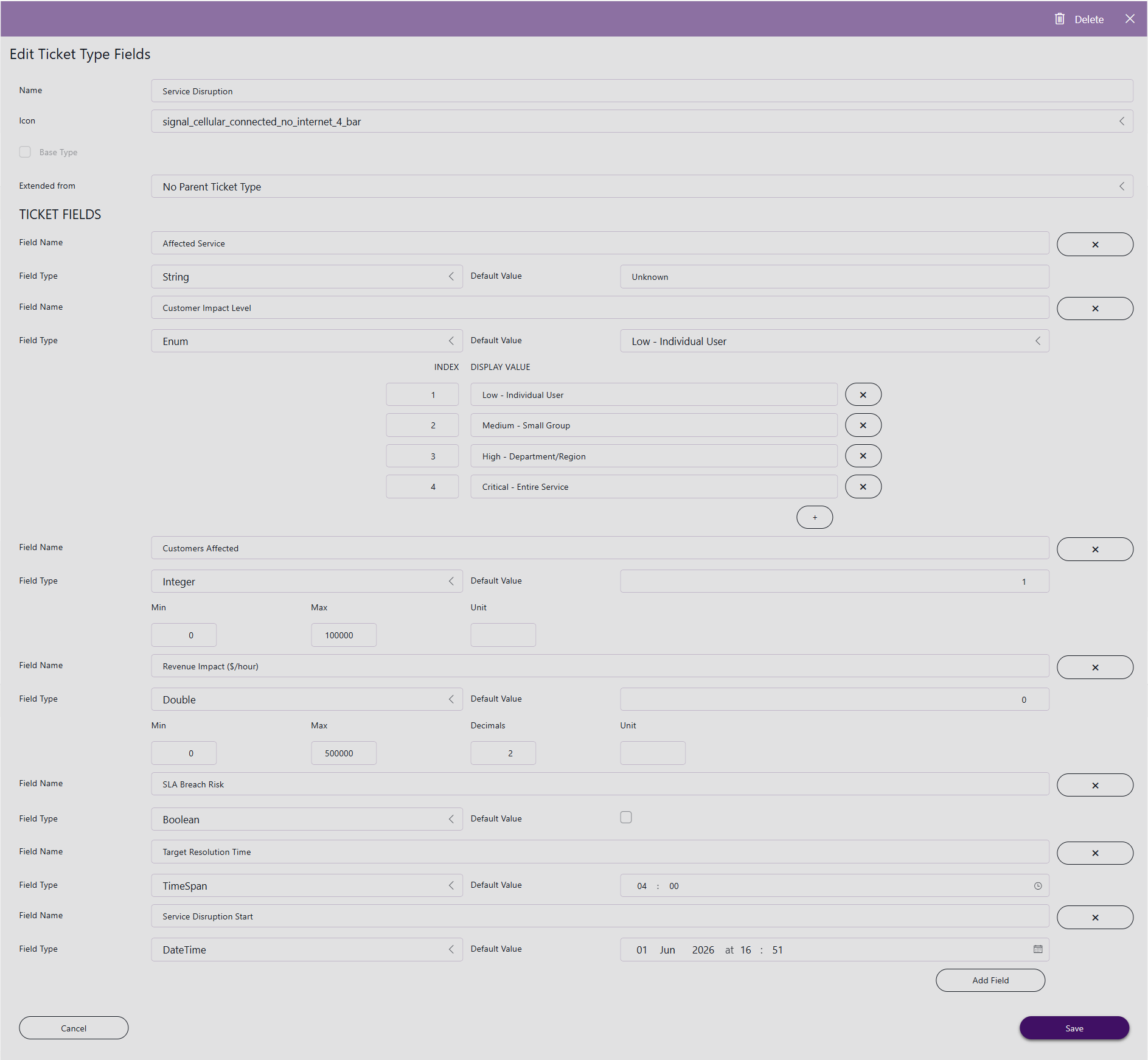
The following additional fields are available:
- Affected Service: Name of the service experiencing the disruption.
- Customer Impact Level: Indicates the scope of the customer impact. Available values:
- Low: Individual User
- Medium: Small Group
- High: Department/Region
- Critical: Entire Service
- Customers Affected: Number of customers affected by the disruption.
- Revenue Impact ($/hour): Estimated revenue loss per hour caused by the disruption.
- SLA Breach Risk: Indicates whether the disruption may result in a service-level agreement (SLA) breach.
- Target Resolution Time: Expected time required to restore the affected service.
- Service Disruption Start: Date and time when the service disruption began.
Creating a ticket type
To create a ticket type:
In the upper-right corner of the Ticket Types page, click Create ticket type.
Enter a name and select an icon for the ticket type.
If you wish to use the ticket type as a base ticket type, select the Base option, or, alternatively, if you want to create an extended ticket type based on another ticket type, select the base type from which you want to extend. See Ticket type categories.
Specify additional fields to match your use case.
Click Save.