Image
This component displays an uploaded image.
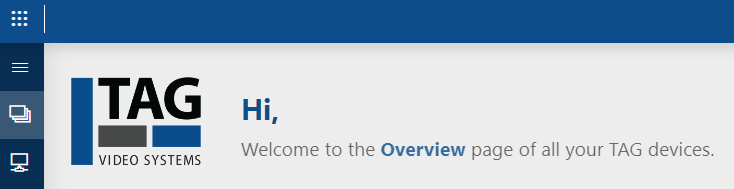
Image component in DataMiner 10.4.6
To configure this component:
In the Component > Settings pane, select the image you want to display in the Image dropdown list.
This list shows all images available on the DMA. If the image you want is not yet in the list, you can upload it using the option Upload a new image below the dropdown list. The following image types are supported: PNG, JPEG, GIF, APNG, SVG and WEBP.
In the Component > Layout tab, the following options can be configured:
The default options available for all components. See Customizing the component layout.
Image size: Can be set to:
Fit: Scales the image to the maximum possible size without stretching or cropping.
Fill: Scales the image to the maximum possible size without stretching.
Stretch: Scales the image to the maximum possible size without preserving the aspect ratio. If this option is picked, the alignment options below become unnecessary.
Horizontal alignment: Allows you to set the horizontal alignment of the image within the component to Left, Center or Right.
Vertical alignment: Allows you to set the vertical alignment of the image within the component to Top, Center or Bottom.