List
This component allows you to select one or more items in a list. The selectable items can be based on any data.
This component is typically used to let users interact with a dashboard or low-code app by selecting a value that influences what is shown elsewhere. For example, a list can be used to filter data in other components, or to focus on a subset of items within a dataset.
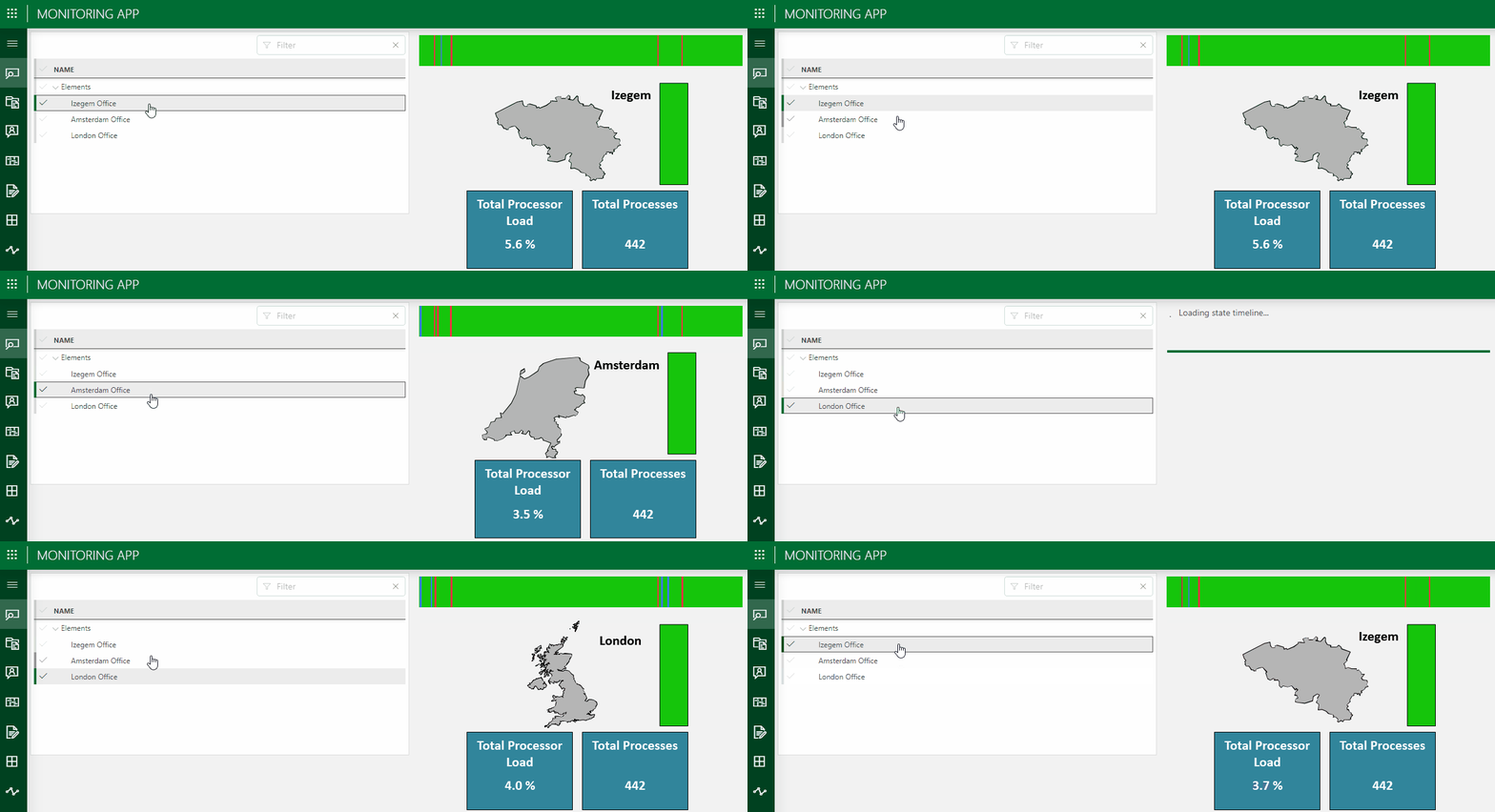
List component in DataMiner 10.4.6
How data is displayed in the list
The way items are listed in the component depends on the type and number of data sources applied:
Built-in data sources (such as Elements or Protocols):
When you apply a single data source, the list shows the individual items from each data source.
If multiple data sources are applied, the items are grouped per data source in the list. For example, protocol items may be listed first, followed by an Elements heading and the elements items.
Query and Tables data sources:
When you apply a single query data source or Tables data source, the list shows the individual rows from that query or table. Each row becomes a selectable item.
Note
Prior to DataMiner web 10.3.0 [CU13]/10.4.0 [CU1]/10.4.4, when you apply a single query data source, the query itself is listed as data.
When you apply multiple query data sources or Tables data sources, the list instead shows the queries or tables themselves.
Configuration options
List layout
In the Layout pane, you can find the default options available for all components. See Customizing the component layout.
Additionally, the following layout options are also available:
| Section | Option | Description |
|---|---|---|
| Advanced | Display column | Available from DataMiner web 10.3.0 [CU13]/10.4.0 [CU1]/10.4.4 onwards. Select the column whose values are shown in the list. Only available when a single query data source or Tables component data source was applied. |
List settings
In the Settings pane for this component, you can customize its behavior to suit your requirements.
| Section | Option | Description |
|---|---|---|
| WebSocket settings | Inherit WebSocket settings from page/panel | Clear the checkbox to use a custom polling interval for this component. When cleared, you can specify a different polling interval (in seconds). |
| Initial selection | Select first item by default | Available from DataMiner web 10.3.0 [CU13]/10.4.0 [CU1]/10.4.4 onwards. When enabled, the first item is automatically selected when the data in the list is refreshed, unless a custom URL is used specifying a different value. This setting is enabled by default. |
| Initial Selection | Select item by default | Specify a fixed default value, which is automatically selected when the data in the list is refreshed, unless a custom URL is used specifying a different value. From DataMiner web 10.3.0 [CU13]/10.4.0 [CU1]/10.4.4 onwards, this setting is only available when the Select first item by default setting is disabled. Formerly known as: - Initial Selection (Prior to DataMiner web 10.3.0 [CU13]/10.4.0 [CU1]/10.4.4) - Feed Defaults (Prior to DataMiner web 10.3.6/10.4.0) |
| Data retrieval | Update data | Available from DataMiner web 10.3.0 [CU13]/10.4.0 [CU1]/10.4.4 onwards. Toggle the switch to determine whether the values displayed in the component should be updated automatically (provided this is supported by the data source). See Query updates. This setting is only available when a single query data source or an indices dataset was applied. This setting is disabled by default. |