Protocols
Protocols allow a DataMiner Agent to communicate with any data source. Commonly referred to as a "connector" or "driver", a DataMiner protocol is an XML file that is used to communicate with a data source. It contains all the instructions on how to poll the data source and display all relevant real-time data on element cards, as well as default port settings, alarm thresholds, parameter labels, etc.
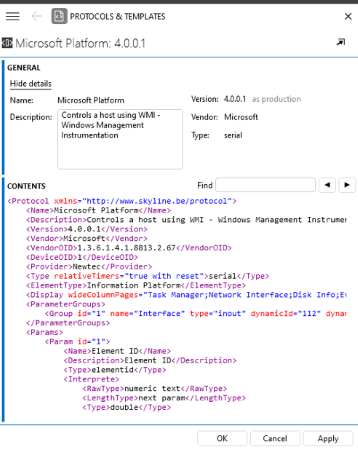
Protocols & Templates module in DataMiner 10.6.5
In the Protocols & Templates module in DataMiner Cube, all protocols available in the DataMiner System are listed. In this module, you can add protocols and protocol versions, promote a protocol version to production, delete a protocol or protocol version, manage Visio files linked to protocols, and more. Via the elements tab of the module, you can get a complete overview of which elements use which protocols and versions.
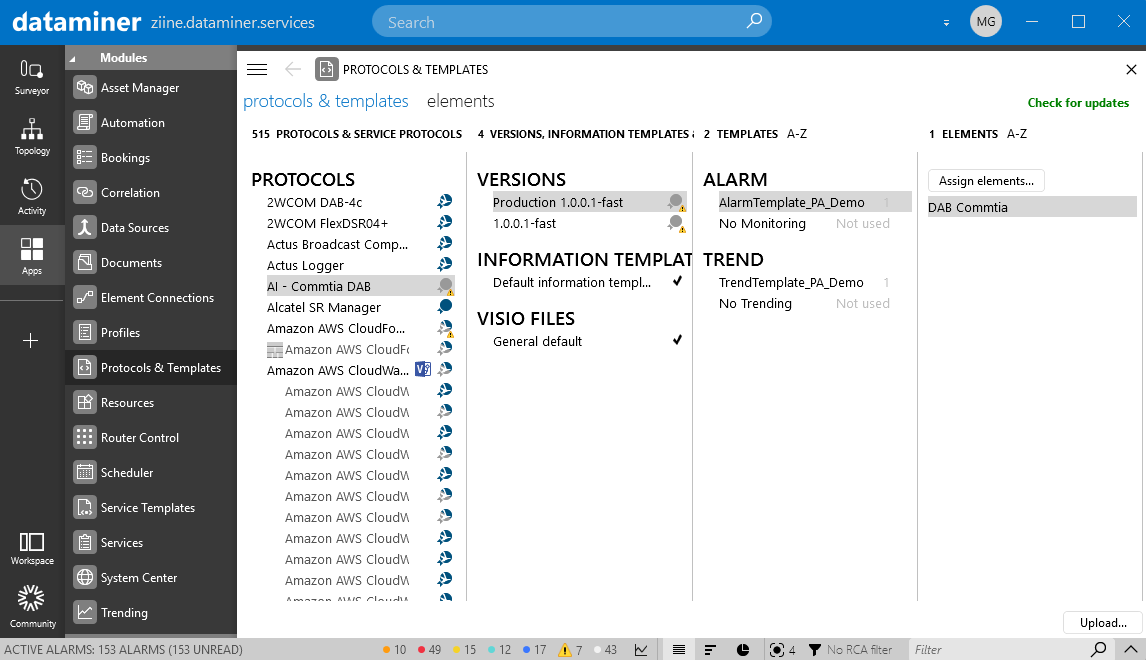
Protocols & Templates module in DataMiner 10.6.5
Protocols and protocol versions in the protocols & templates tab can have a different icon next to them depending on whether they have been signed by Skyline or by a third party:
- Protocols that have been signed by Skyline are marked with the DataMiner icon.
- Protocols and protocol versions signed by third parties are marked with a blue icon.
- If a protocol or protocol version has not been signed by Skyline and is used by one or more elements, a warning icon will be displayed, as unvalidated protocols can potentially cause issues.
Tip
If you have created a protocol yourself and want to register it for approval by Skyline, contact your Skyline Technical Account Manager.