Accessing the Ticketing app
To access the Ticketing low-code app:
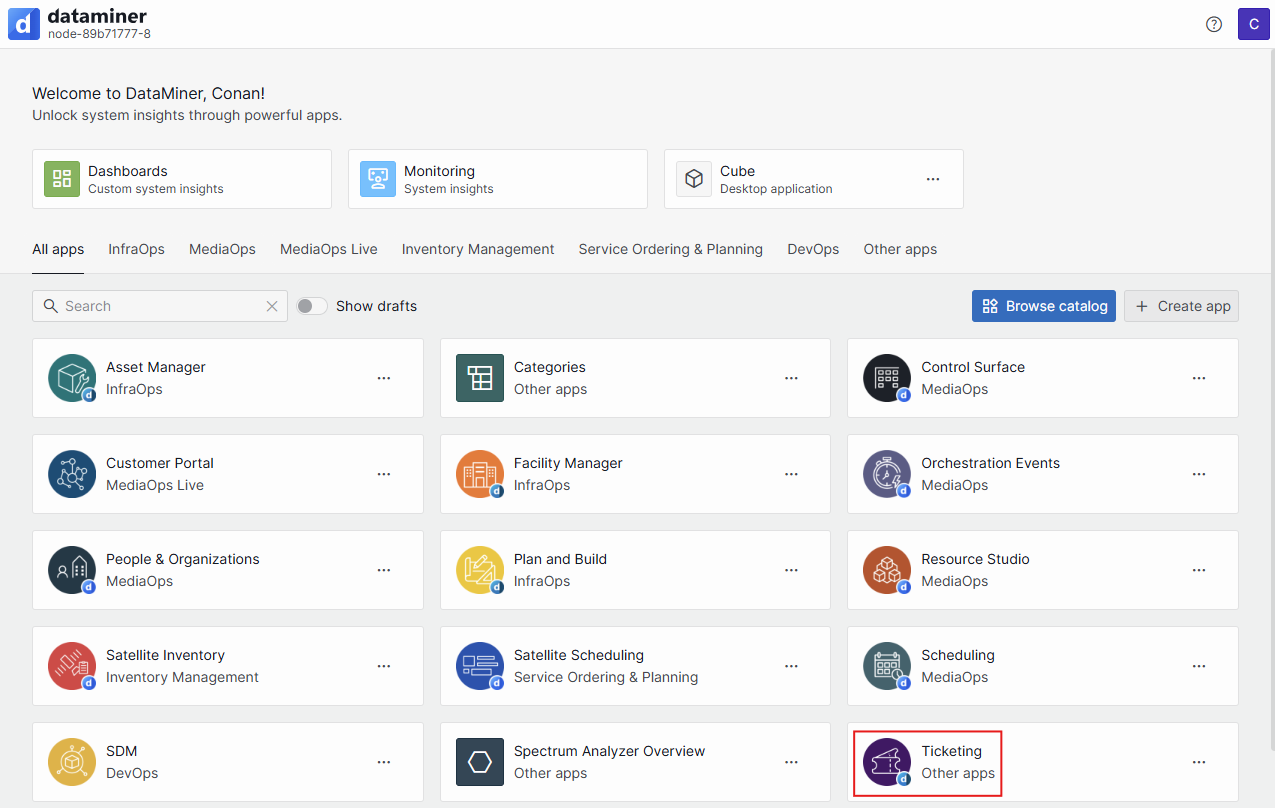
Go to the landing page of your DataMiner System.
Search for the Ticketing app and click the app tile to open it.
Alternatively, you can also look for the Ticketing app in the Apps pane of the DataMiner Cube sidebar, and open the app from there.
Pinning the app in the sidebar will allow quick and easy access to the app from Cube.
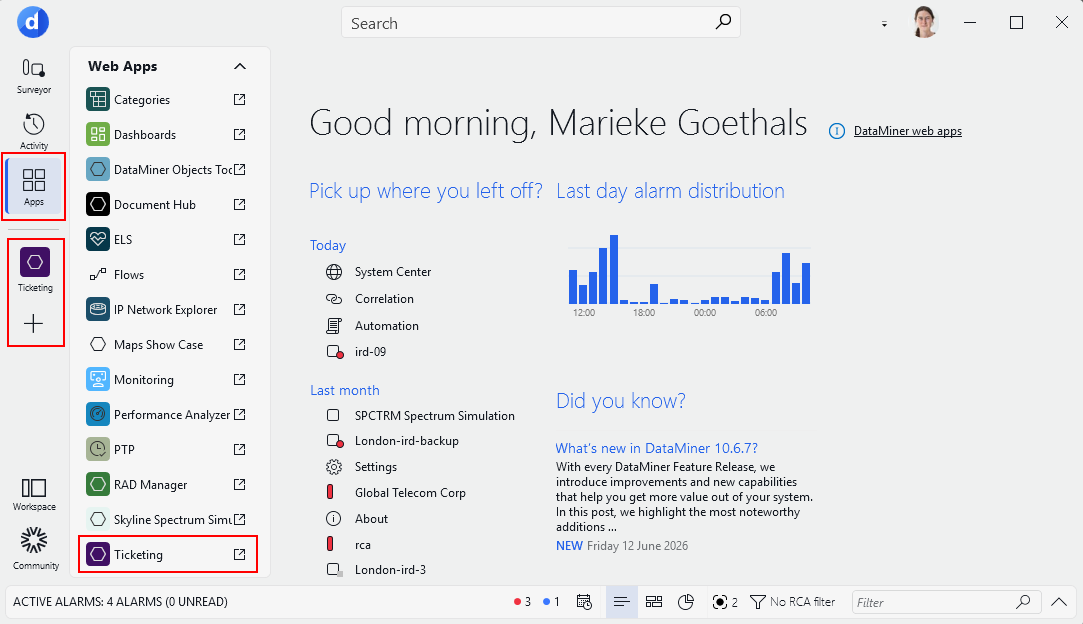
Ticketing app access via the DataMiner Cube sidebar in DataMiner 10.6.7