Web File Manager
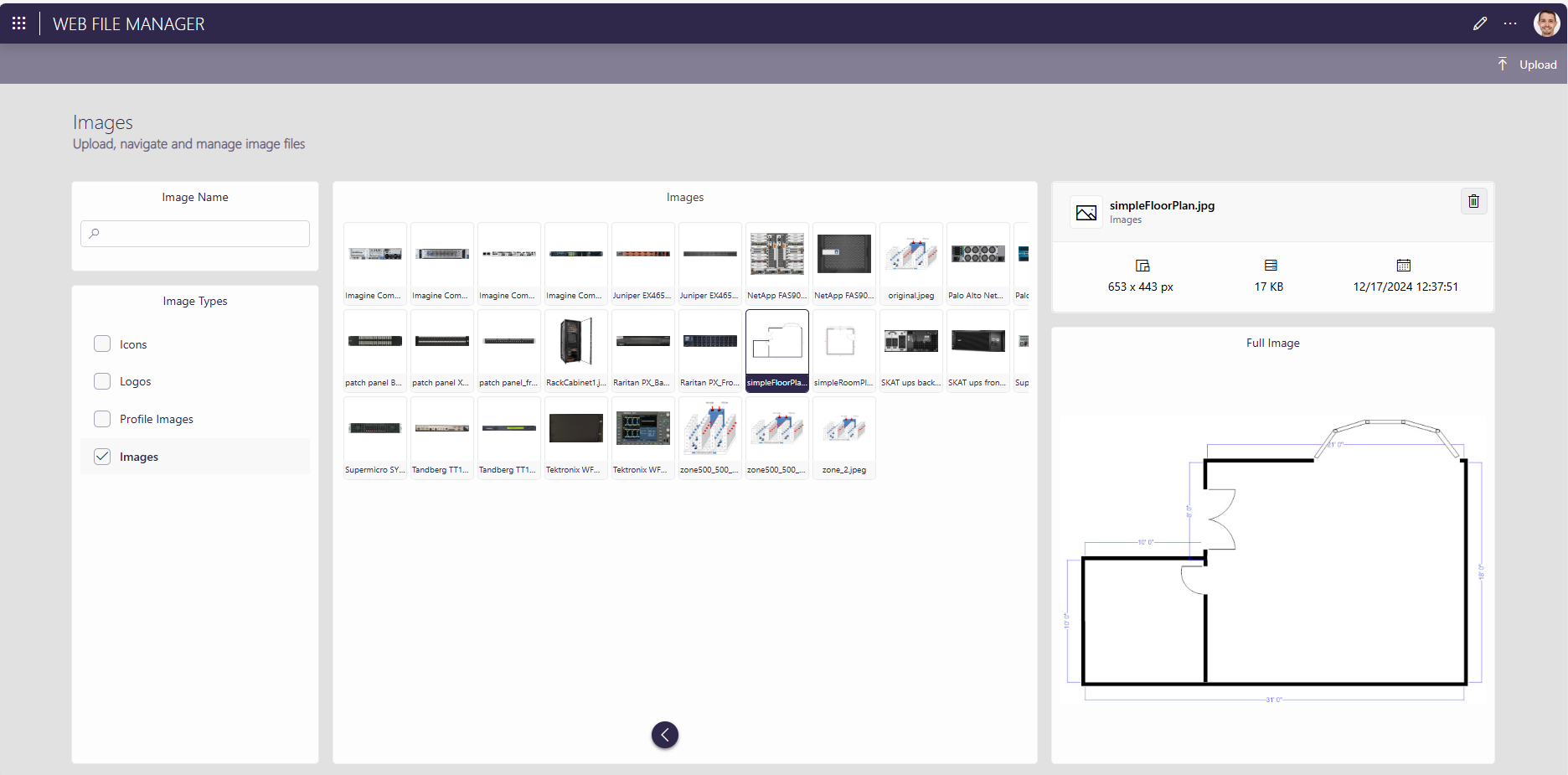
The Web File Manager app is used to upload and manage image files. It is a prerequisite for the InfraOps solution, in order to be able to add images for floor or room plans in the Facility Manager app, or for asset classes in the Asset Manager app.
Uploading an image to the Web File Manager app
Open the Web File Manager app, either directly from the DataMiner landing page, or from the Facility Manager app (see Facilities) or Asset Manager app (see Configuring an asset class):
In the upper-right corner of the Web File Manager app, click Upload.
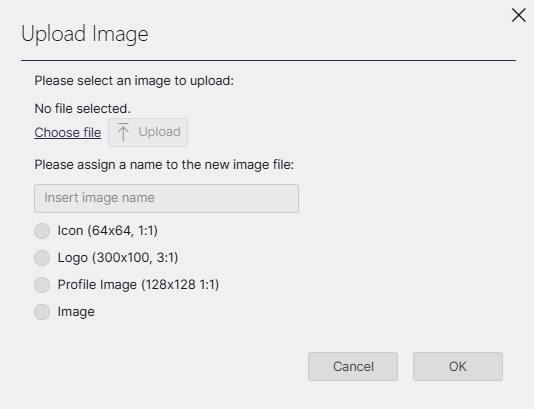
In the dialog:
- Click Choose file, and select the file you want to upload.
- Click the Upload button to upload the selected file.
- Fill in a name for the image file.
- Select the image type to determine its size.
- Click OK to upload the image.